Edit Text in Image with Same Font Online
Use our AI image text editor to edit text in image with same font style, color, spacing, and background blending. It is a fast way to update screenshots, JPG product images, PNG graphics, menus, signs, and posters without rebuilding the whole design.
Upload Your Image
Drag & drop or click to upload
Supports: JPG, PNG, JPEG, WebP (Max 20MB)
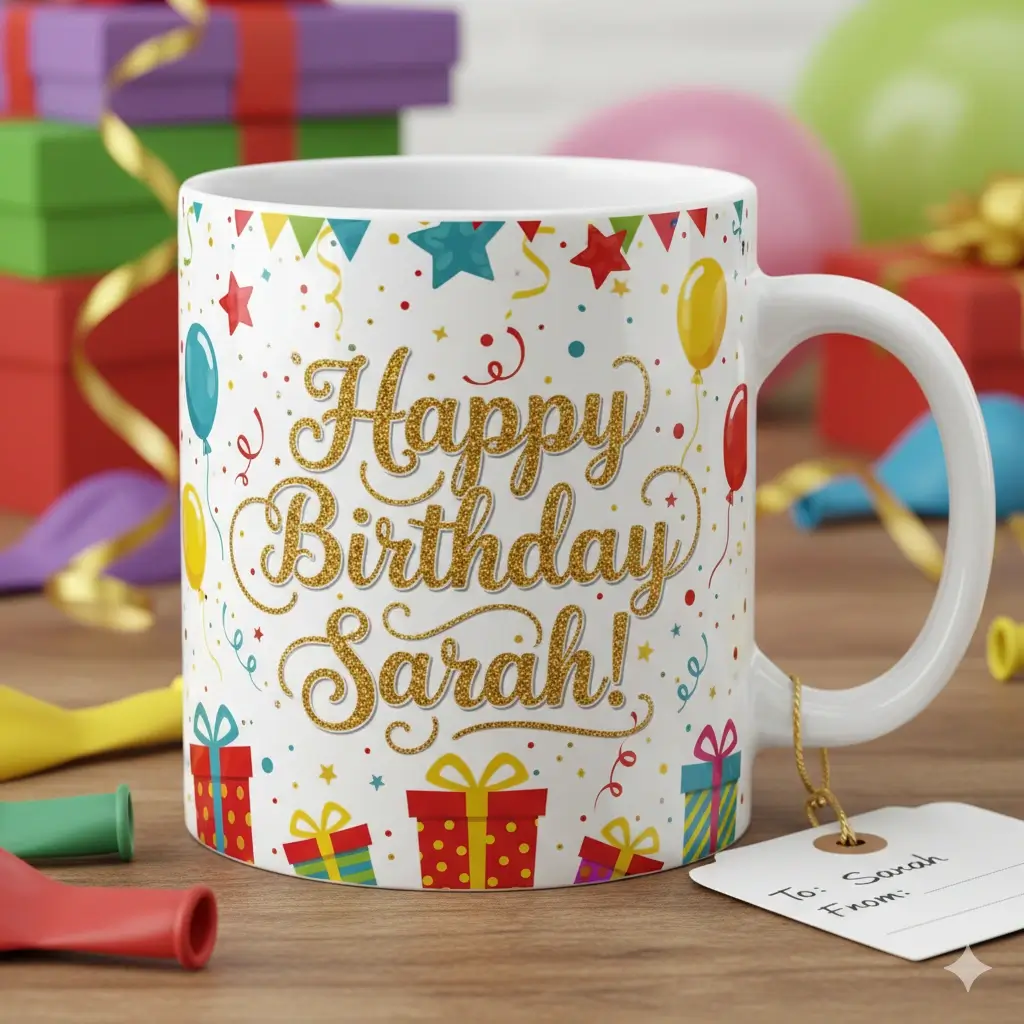
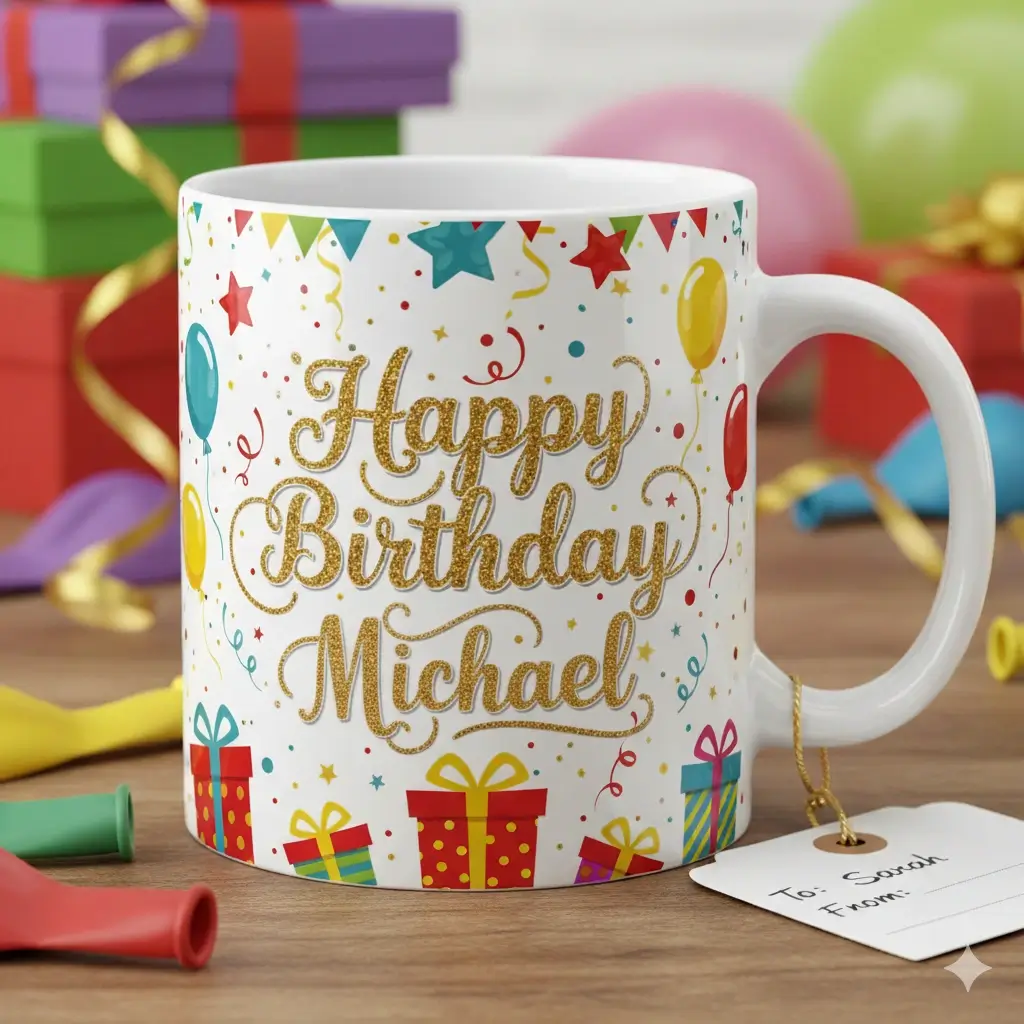
See how the AI keeps the original font feel, color, spacing, and layout.
Upload your image and replace existing text in a few quick steps.
Drag to adjust the text selection area
Edit Text
Your Image Preview
Upload an image to start editing
Processing Your Image...
This usually takes 30-60 seconds
How to Edit Text in Image with Same Font
Upload the Original Image
Upload a JPG, PNG, JPEG, or WebP file that already contains the text you want to replace. Our online image text editor works best when the original words are clear enough for the AI to read the style and the surrounding background.
Select the Text and Type the New Copy
Draw the text area, enter the replacement words, and let the tool analyze the font look, weight, color, spacing, and nearby textures. This is the key step when you want to edit text in image with same font rather than just place a new text box on top.
Generate and Download the Updated Image
The AI removes the old text, repairs the background, and blends the new words back into the design. You get an edited image that still feels native to the original screenshot, sign, label, menu, or graphic.
Change the words without changing the design
People searching for a same-font image editor usually do not want a full redesign. They want to fix a typo, update a date, swap a product label, or refresh a price while keeping the original layout believable. This page is built for that exact intent. Instead of creating a new text layer that looks pasted on, our AI tries to preserve the visual style that makes the image feel original.
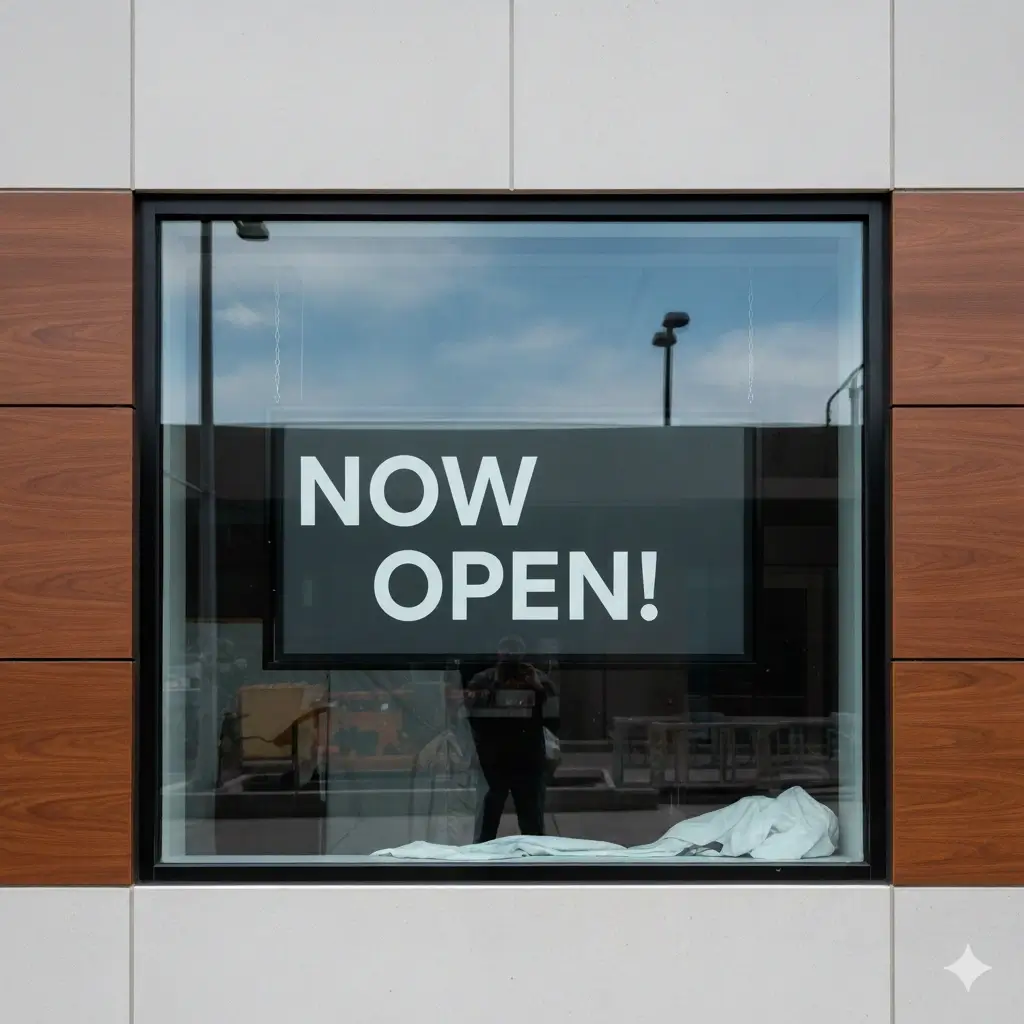
Before and After Examples with Same Font Style
These examples show the kind of edits users expect from a same-font image text editor: natural style matching, cleaner backgrounds, and faster updates for real business visuals.
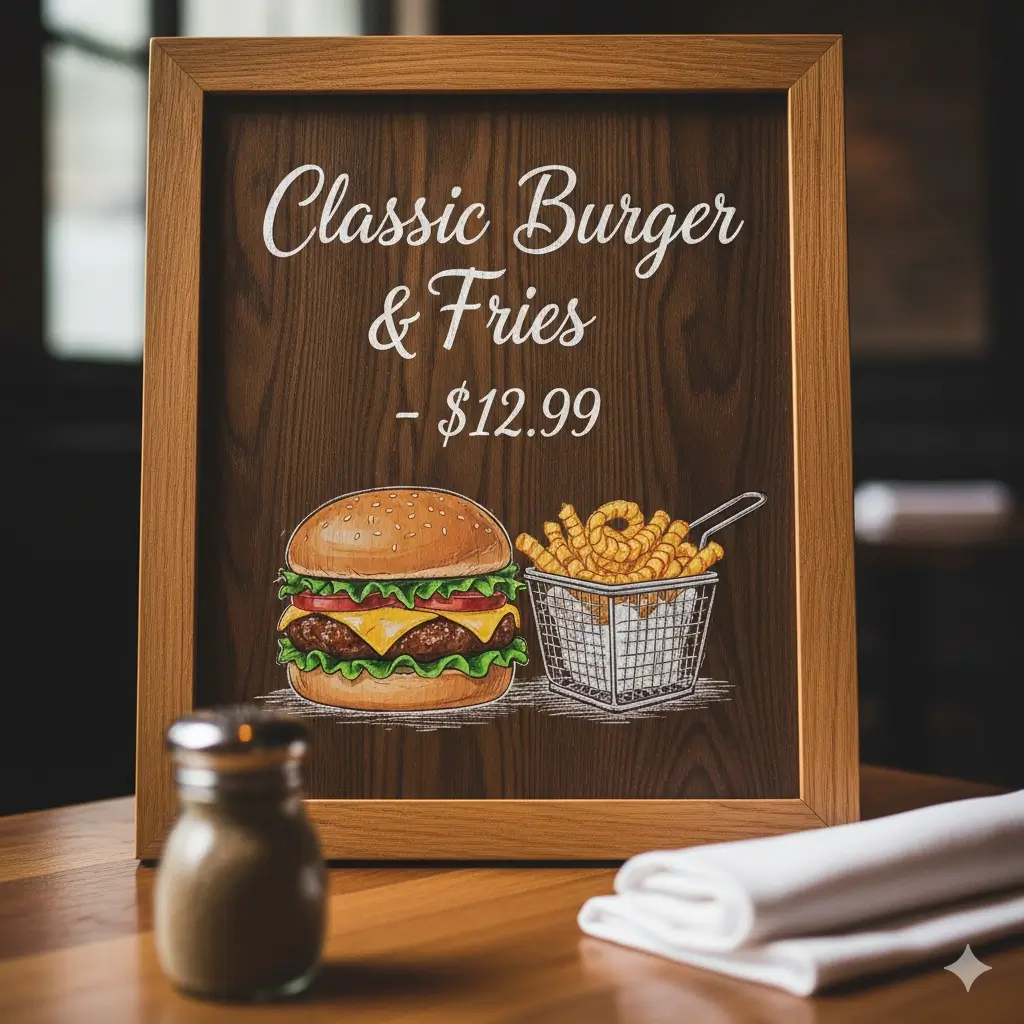
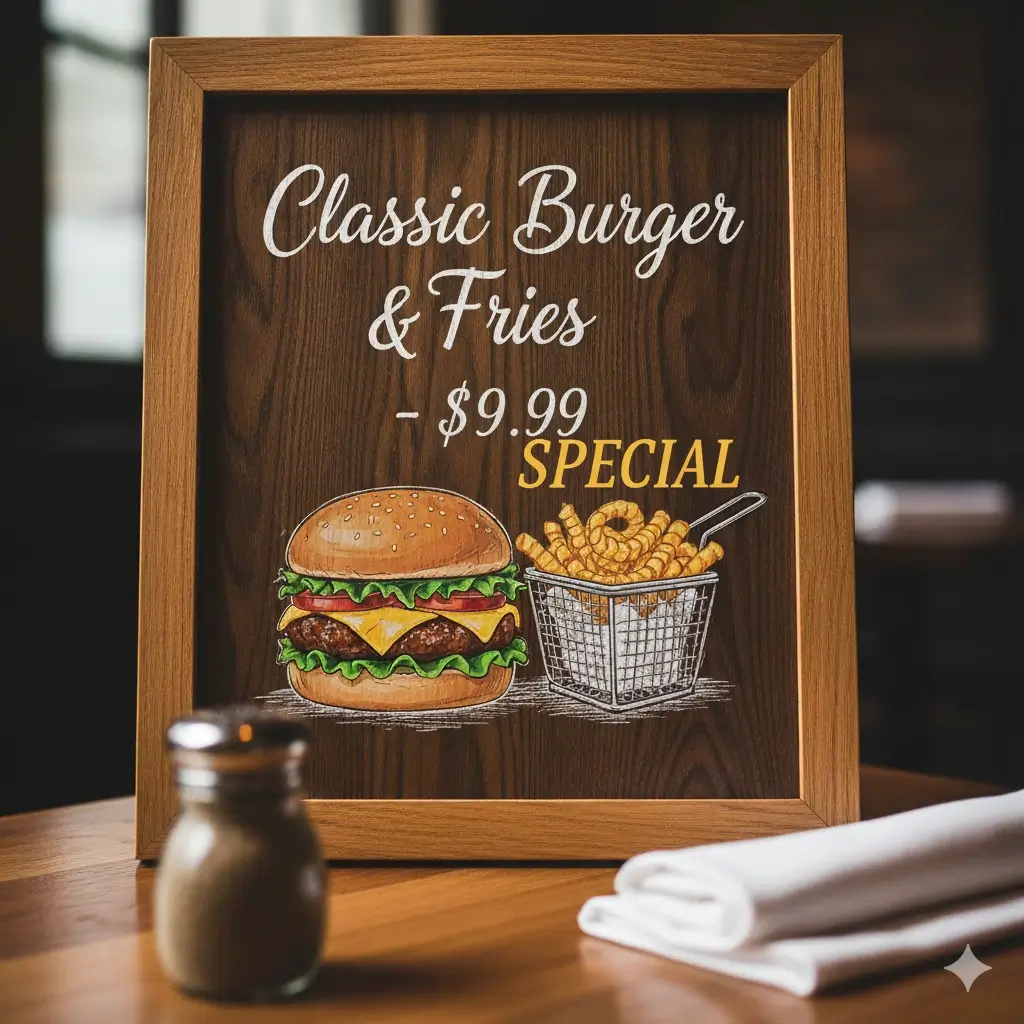
Restaurant Menu Price Update
Change menu text while keeping the printed style readable and consistent.


Flash Sale Banner Refresh
Swap promo wording without rebuilding the graphic from scratch.
Personalized Gift Text Change
Edit names and short messages while keeping the original visual feel.
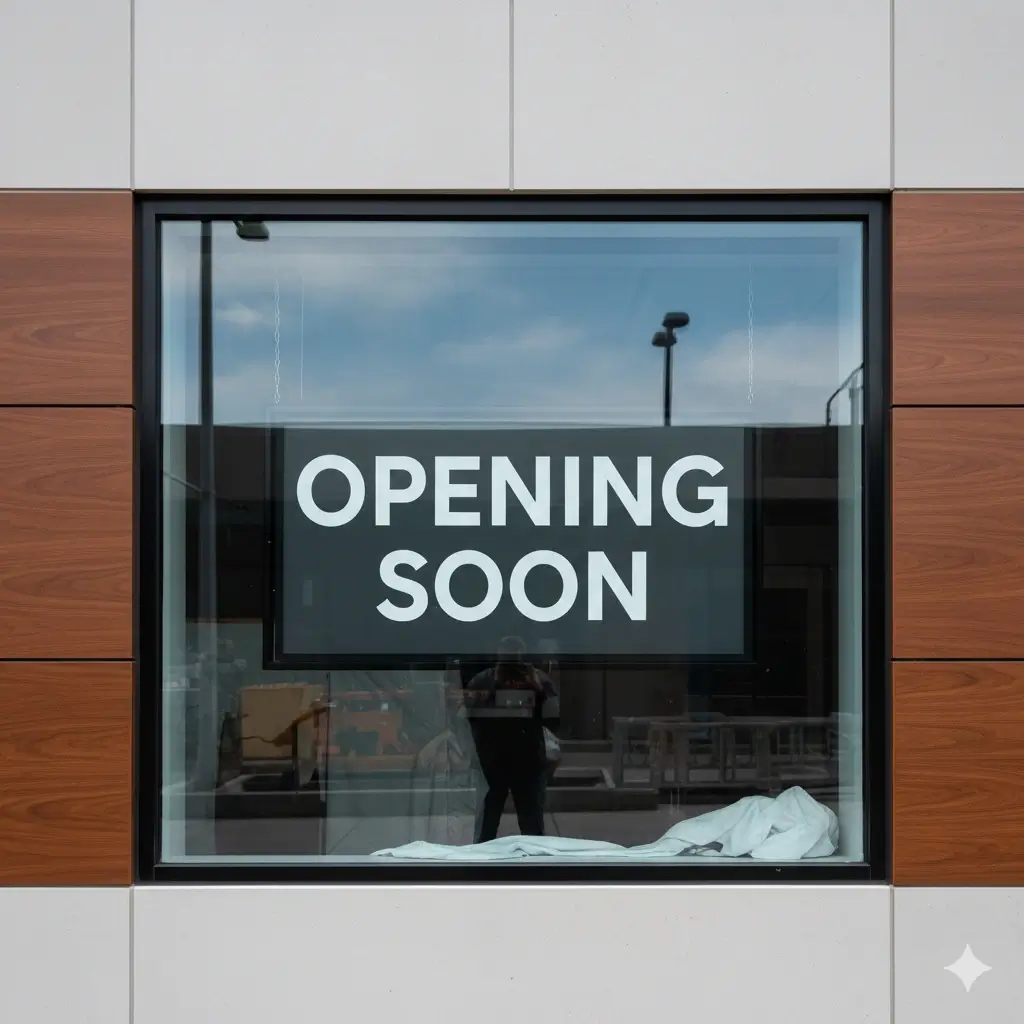
Business Sign Text Swap
Update store messaging while preserving contrast and layout.


Property Graphic Update
Refresh pricing or status text without changing the overall design.
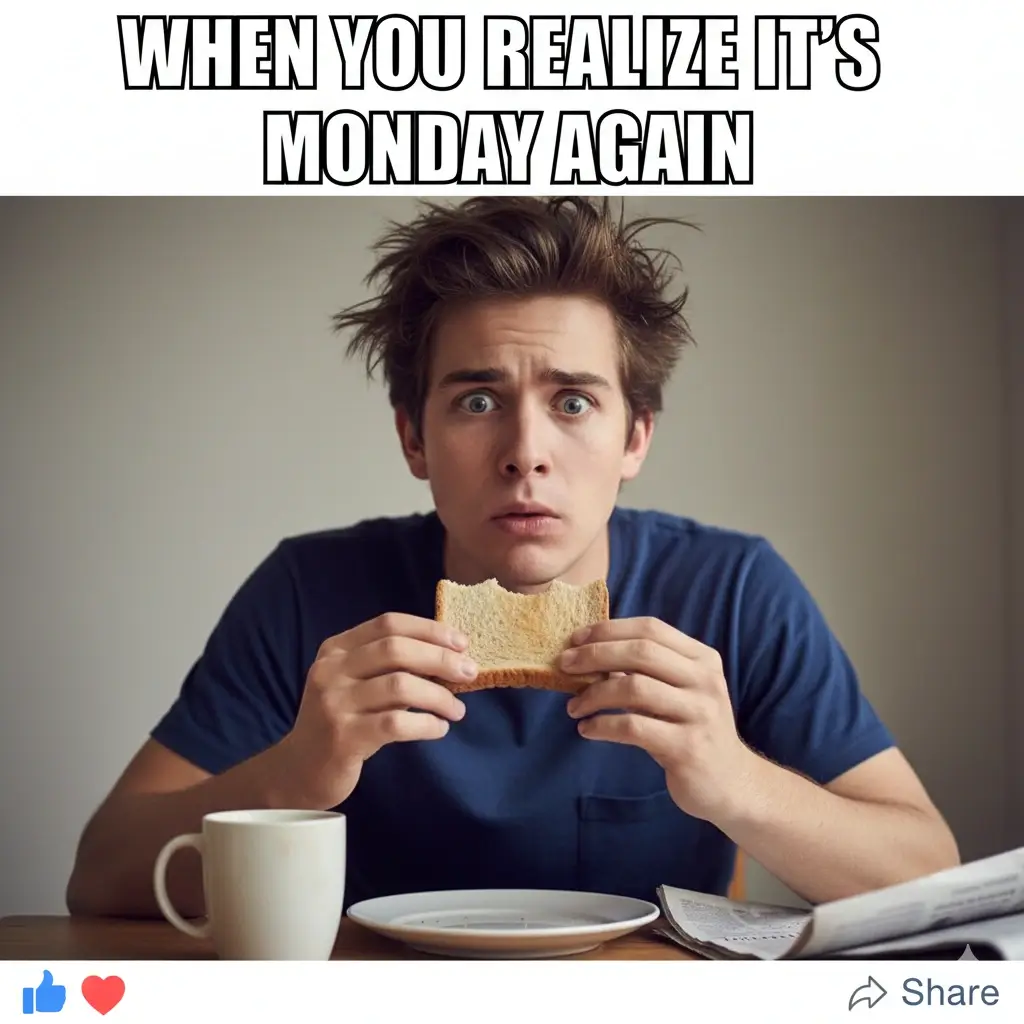
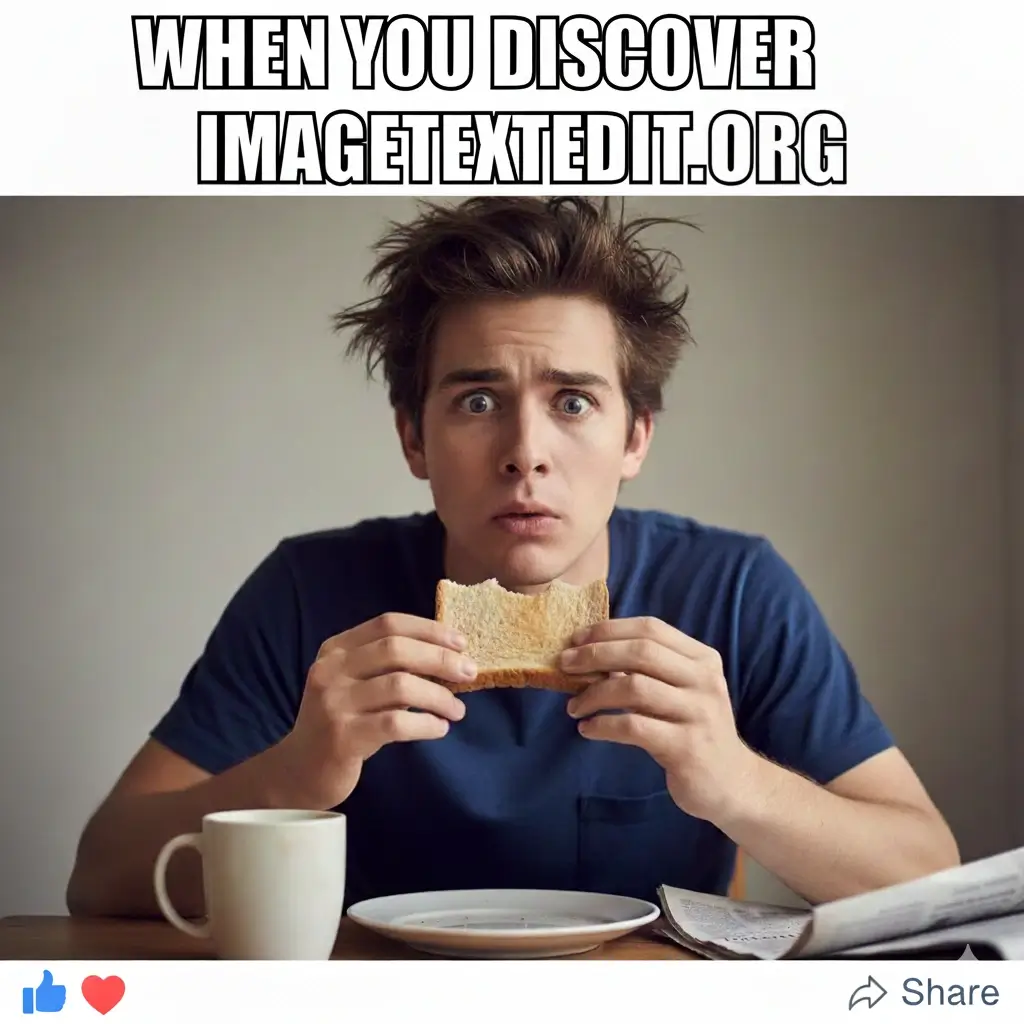
Social Graphic Rewrite
Replace short headline text in a visual post and keep it on-brand.
What People Need from a Same Font Image Text Editor
Edit Text in Image with Same Font Feel
The AI studies the original lettering and tries to recreate the same font style, weight, and spacing. That helps the edited image stay visually close to the original instead of looking like a quick overlay.
Good for Screenshot Text Fixes
Screenshots are one of the highest-intent use cases for this keyword. Use the tool to fix a typo, update a number, change a date, or replace short interface text while keeping the screenshot easy to believe.
Better for Final Images than Layer Editors
Many design tools turn text into a new editable layer. This page focuses on something different: editing the final exported image itself so the replacement feels native to the original screenshot, graphic, sign, or label.
Supports JPG, PNG, JPEG, and WebP
Use the same workflow for flat JPG photos, PNG graphics, and other common web image formats. This is useful when the source file is gone and all you have left is the final image with baked-in text.
Designed for Fast Text Swaps
If your goal is to change one line and move on, speed matters. The page is structured around short workflows for updating menus, ads, product images, posters, and screenshots with minimal manual cleanup.
Keeps Background Repair in Focus
Matching the font is only half the job. The tool also needs to repair the old area behind the removed text so the result looks cleaner on textured backgrounds, colored boxes, signage, and printed materials.
What Our AI Tries to Match
Style details it tries to preserve
- Font weight and overall letter shape feel
- Text size relative to the original design
- Color, contrast, and simple gradient direction
- Spacing, alignment, and line position
- Shadows, outlines, and edge definition where possible
- Background continuity around the replaced text
Images that usually work best
- Readable screenshots with clean interface text
- Menus, flyers, and posters with short text swaps
- Product labels and promotional graphics
- Signs and banners with moderate perspective
- JPG, PNG, JPEG, and WebP files with clear text regions
- Edits where the new wording is not dramatically longer than the old text
Make same-font image text edits look less like overlays
A believable same-font edit depends on more than finding a similar typeface. Select only the old text, keep replacement length close, and let the tool repair the background before adding new words.
Use this page when
- Your main goal is matching font feel, color, size, spacing, and placement.
- You need to update screenshots, signs, menus, labels, posters, or product graphics.
- The old text is clear enough for the AI to infer its visual style.
Avoid weak inputs
- Do not select unrelated background around the text unless it helps repair the area.
- Decorative fonts, curved text, and strong perspective may not match exactly.
- Long replacement sentences can break alignment and spacing.
Choose a better workflow
- Use the screenshot page for UI captures and dashboard images.
- Use the JPEG page for compressed photo-style exports.
- Use the PNG page for transparent labels and sharp web graphics.
| Same-font goal | Better replacement input | Why it fits |
|---|---|---|
| Change a sign word | OPEN | Short uppercase text preserves weight and spacing. |
| Update a screenshot label | Approved | Concise UI labels are easier to match. |
| Edit a menu item | Iced Latte | Similar-length copy keeps the menu layout believable. |
Best Use Cases for Editing Text in Image with Same Font
Screenshots and UI Captures
Edit screenshot text online when you need to correct a typo, replace a label, update a date, or change a number in a product mockup, tutorial, or presentation image. This is one of the clearest fits for same-font editing.
Menus and Price Boards
Restaurants, cafes, and service businesses often need to update a single price or offer. A same-font image editor is useful when you want the new wording to blend into the printed menu style instead of looking newly pasted on.
Product Photos and Labels
Use the page for label wording changes, flavor swaps, packaging tests, and small e-commerce updates. This is especially useful when the original source file is missing and the product image already has text flattened into it.
Ads, Banners, and Social Graphics
Marketing teams often need to test short headlines, offers, and CTA text. Editing the final image with similar font styling lets you move quickly without reopening the full design file for every small wording change.
Signs, Posters, and Notices
Change dates, opening hours, event details, or short callouts in posters and business signs while keeping the layout recognizable. Same-font editing is especially valuable when the original sign artwork is no longer available.
Personalized Gift Text and Names
For mockups and customer previews, you may need to replace names or short phrases many times. This use case benefits from a workflow that keeps the existing style, color, and placement consistent across each version.
FAQ: Edit Text in Image with Same Font Online
Try the Same Font Image Text Editor
Upload an image, replace the text, and see how closely the AI can keep the original style.
Why Users Choose This Workflow
Privacy First
Your upload is processed for editing and not turned into a manual design project.
Style-Aware Editing
The workflow is built around matching the original text look, not just covering it.
Made for Real Images
Use it on screenshots, menus, signs, product photos, and social graphics.
Works in the Browser
No desktop software is required for quick same-font text replacements.